Bring sanity to your household paperwork
Harbor is an open-source document vault you host yourself. Connect your inbox or upload files to organize your household records, keep track of important dates, and find what you need.
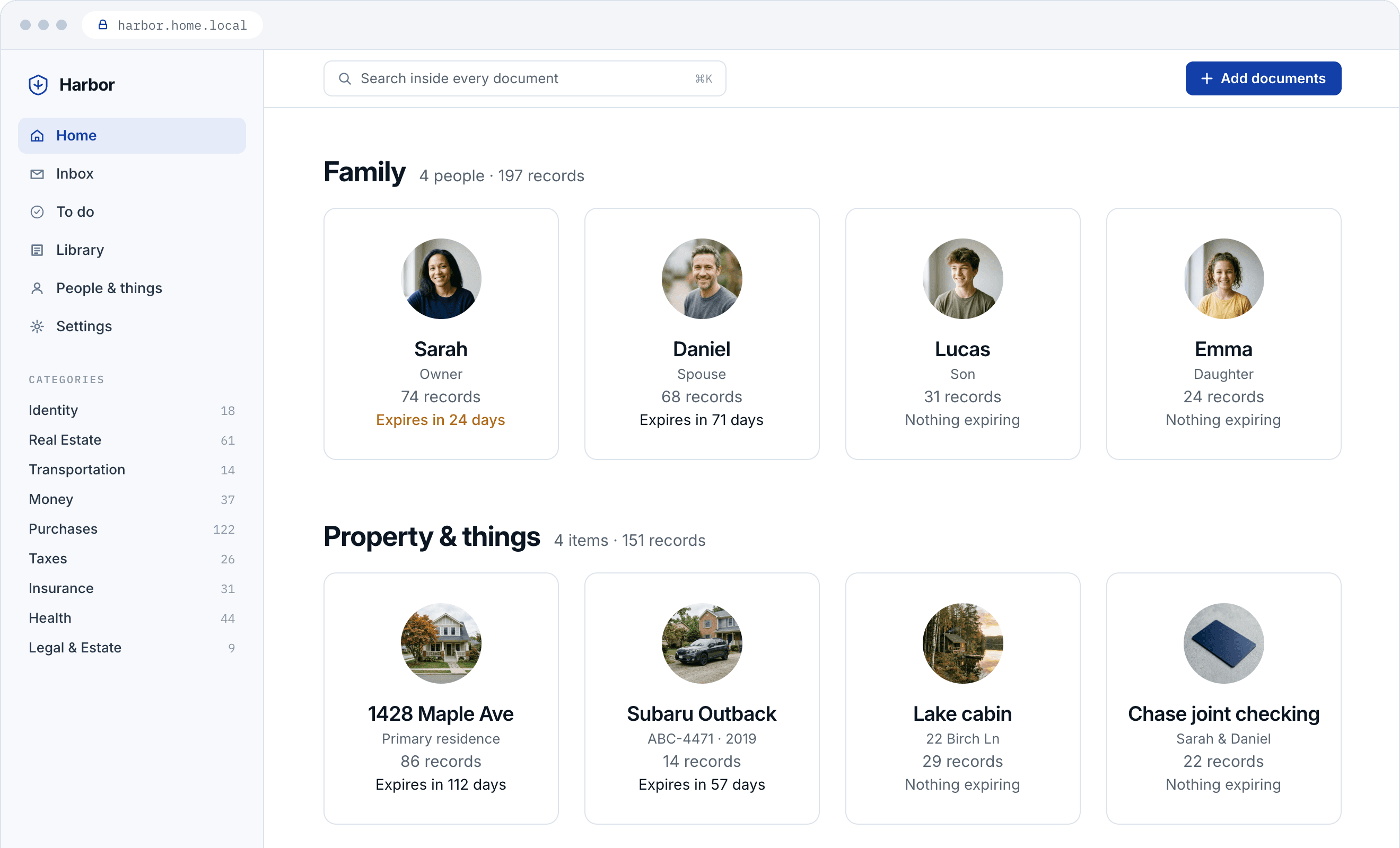
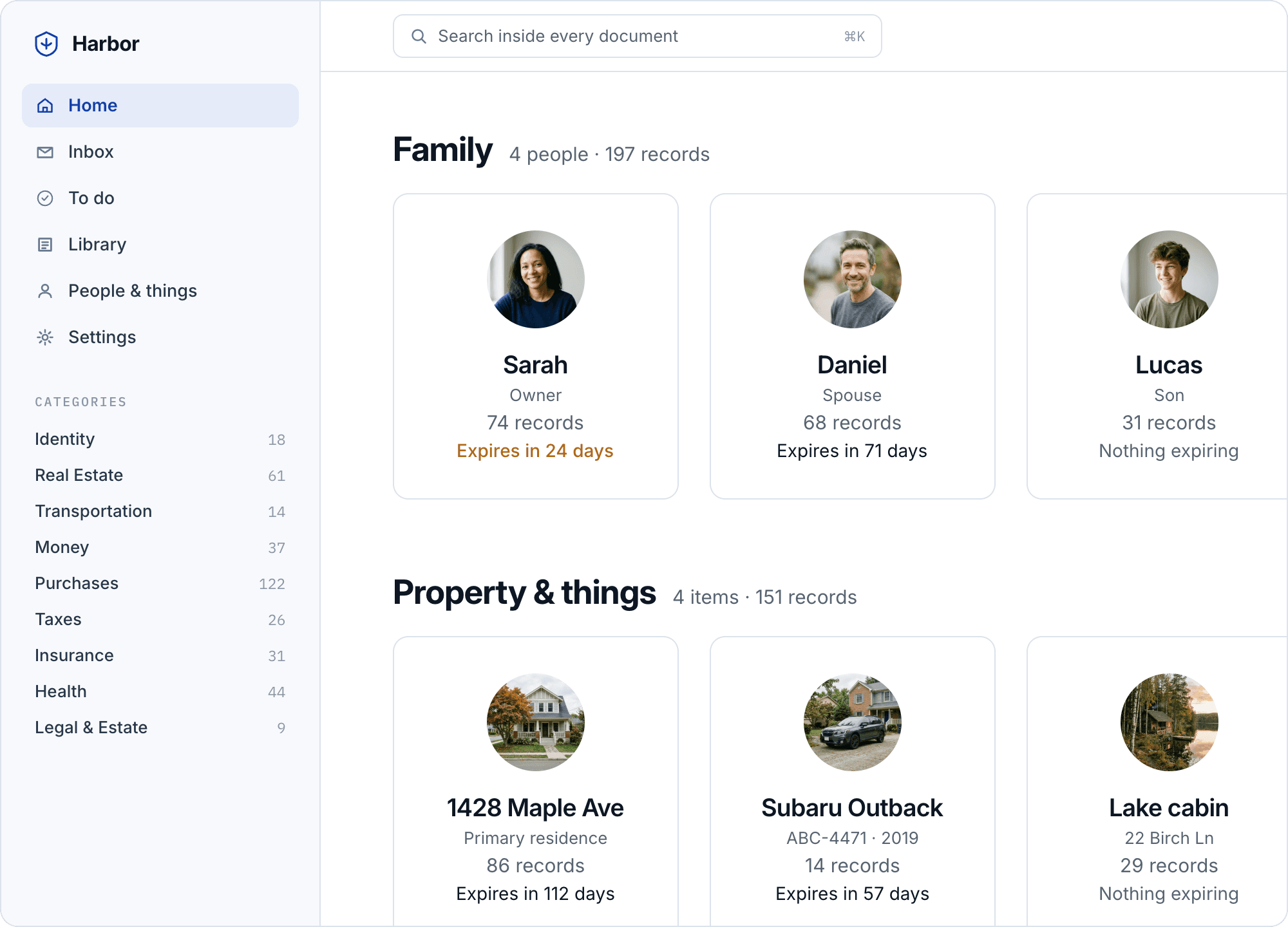
Ditch the filing cabinet
Give your household paperwork a home. Search the text inside your documents, review suggested tags and summaries, and share a copy when someone needs one.
Connect your inbox
Connect a mailbox or forward email. Choose which senders Harbor should file automatically.
Upload files and photos
Add PDFs, scans, and photos. Harbor reads the text so you can search their contents.
AI summaries
Get summaries and suggested tags and categories. Choose a local model or connect an AI provider.
Automatic backups
Back up nightly to Backblaze B2, an SFTP server, or a second disk. Harbor tests a restore each month.
For the whole household
Keep passports, bills, deeds, and more together, organized by the people and things they belong to.
Built-in protection
Protect your records with document encryption, multi-factor authentication, and device access you can revoke.
Open source
Read the code, host your own vault, and choose when to update. Your records stay under your control.
Secure sharing
Send documents through a shared link. Set an expiration date and download limit, or revoke access early.
See how Harbor works
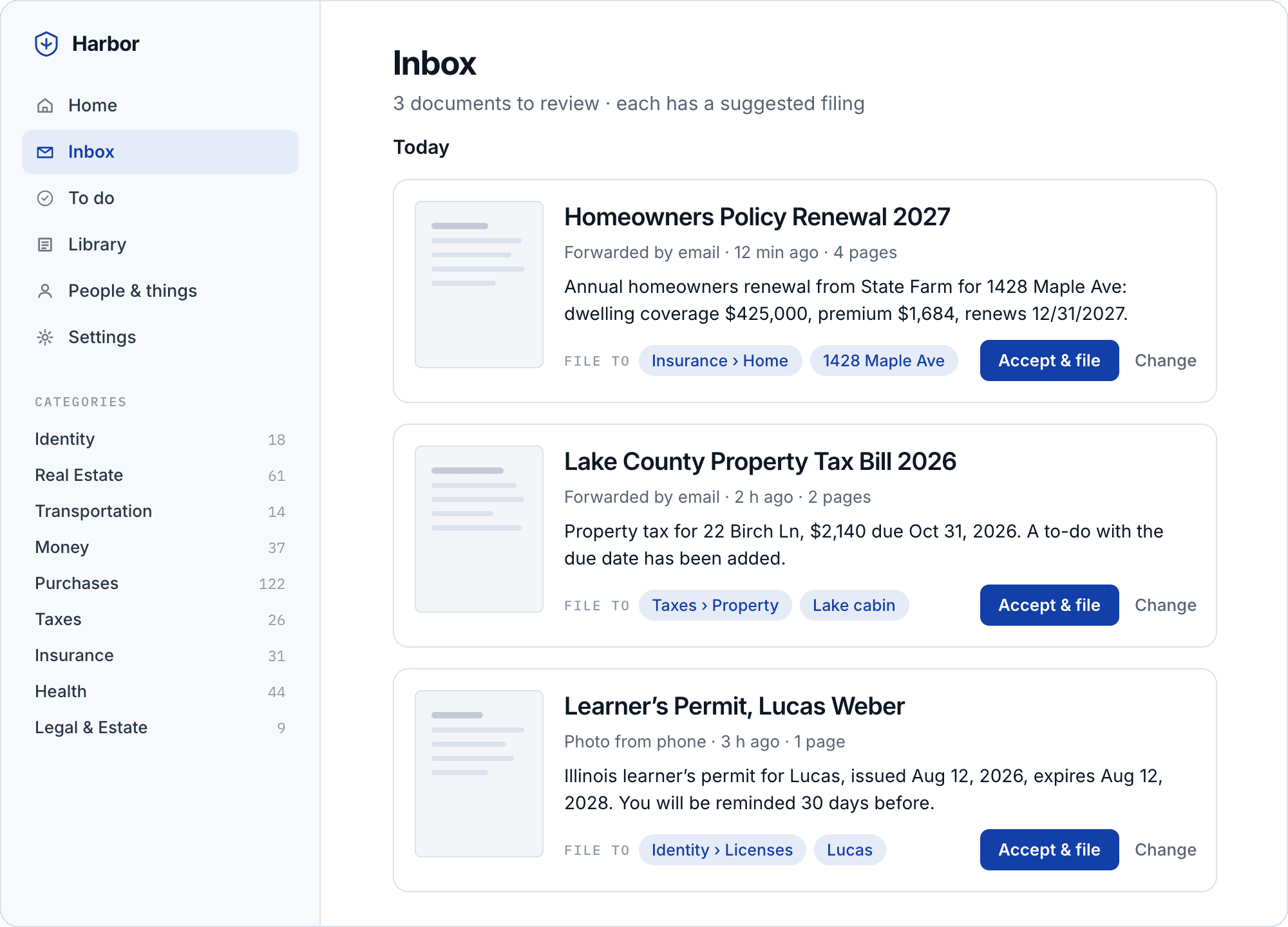
From a bill arriving in your inbox to a copy shared with your accountant.
- Homeowners Policy Renewal 2027Forwarded by email · just nowTAGGINGInsurance1428 Maple Ave
- Lake County Property Tax BillForwarded by email · 2 h agoTaxesLake cabin
- Learner’s Permit, Lucas WeberPhoto from phone · 3 h agoIdentityLucas
Keep your records under your control
Run Harbor on your own hardware, control who has access, and keep encrypted backups ready for recovery.
Control access
Multi-factor authentication protects sign-in. Revoke access for a lost device and use the audit trail to review access to your vault.
Encrypted storage
Harbor encrypts each document and requires an encrypted data volume, which you set up before installing. By default, the volume stays locked after a reboot until you unlock it.
Backups you can check
Send encrypted nightly backups to Backblaze B2, an SFTP server, or a second disk. Monthly restore tests check that your backups can be read and your documents decrypted.
Share documents on your terms
Send records to your accountant, advisor, or anyone else who needs a copy. Choose the documents, set a download limit, and decide when the link expires.
Share through Tailscale
Use Tailscale to share documents without opening ports on your router. A separate sharing service handles access to the shared files.
Choose how you share
You can also share through an external storage bucket. Recipients retrieve the shared files without connecting to your Harbor instance.
Track shared access
Review views and downloads in the sharing history. Revoke a link at any time to prevent further access through it.
A few things to know before you start
- What does Harbor cost?
- Harbor is free and open source. You provide the hardware or hosting. Backup storage and a hosted AI provider may have their own charges, depending on what you choose.
- What do I need to get started?
- You need a Linux machine with Docker, an encrypted data volume, and somewhere to keep backups. The setup guide walks you through preparing the machine, running the installer, and creating your household vault. Setup involves using the command line.
- How do backups work?
- Once configured, Harbor makes encrypted nightly backups to Backblaze B2, an SFTP server, or a second disk. It tests a restore each month and shows the results in Settings. Keep your recovery keys somewhere safe, separate from the machine: you need them to recover your records if it fails.
- How does Harbor protect my data?
- Harbor encrypts your documents, requires an encrypted data volume, and protects sign-in with multi-factor authentication. You control access to the vault and remain responsible for the machine and its backups. If you choose a hosted AI provider, Harbor sends it text from your documents to generate suggestions. You can use a local model instead.
- What hardware can I use?
- A Raspberry Pi 5 with an SSD or a small Linux PC can run Harbor. Plan for at least 100 GB of available storage. The setup guide uses Debian 12; check the prerequisites before preparing your machine.
- How does Harbor compare with other document vaults?
- Hosted vaults like Trustworthy, Everplans and Quicken LifeHub keep your records on their servers, under their terms. Paperless-ngx is a general document manager you run yourself. Harbor is a household data manager on your own hardware. See how Harbor compares